IAM
IAM


- Documentation
 IAMUser GuideIdentitiesSingle Sign-onMultiple login methods for single sign-on
 Copy page
 Download PDFCopy pageDownload PDF
Volcano Engine supports multiple SSO login methods:
Initiate login directly from the IDP side
Initiating login directly from the IDP side means that after the IDP side user authenticates and logs in, click the Volcano Engine application, send a saml response directly to the Volcano Engine and jump to the SSO login page of the Volcano Engine.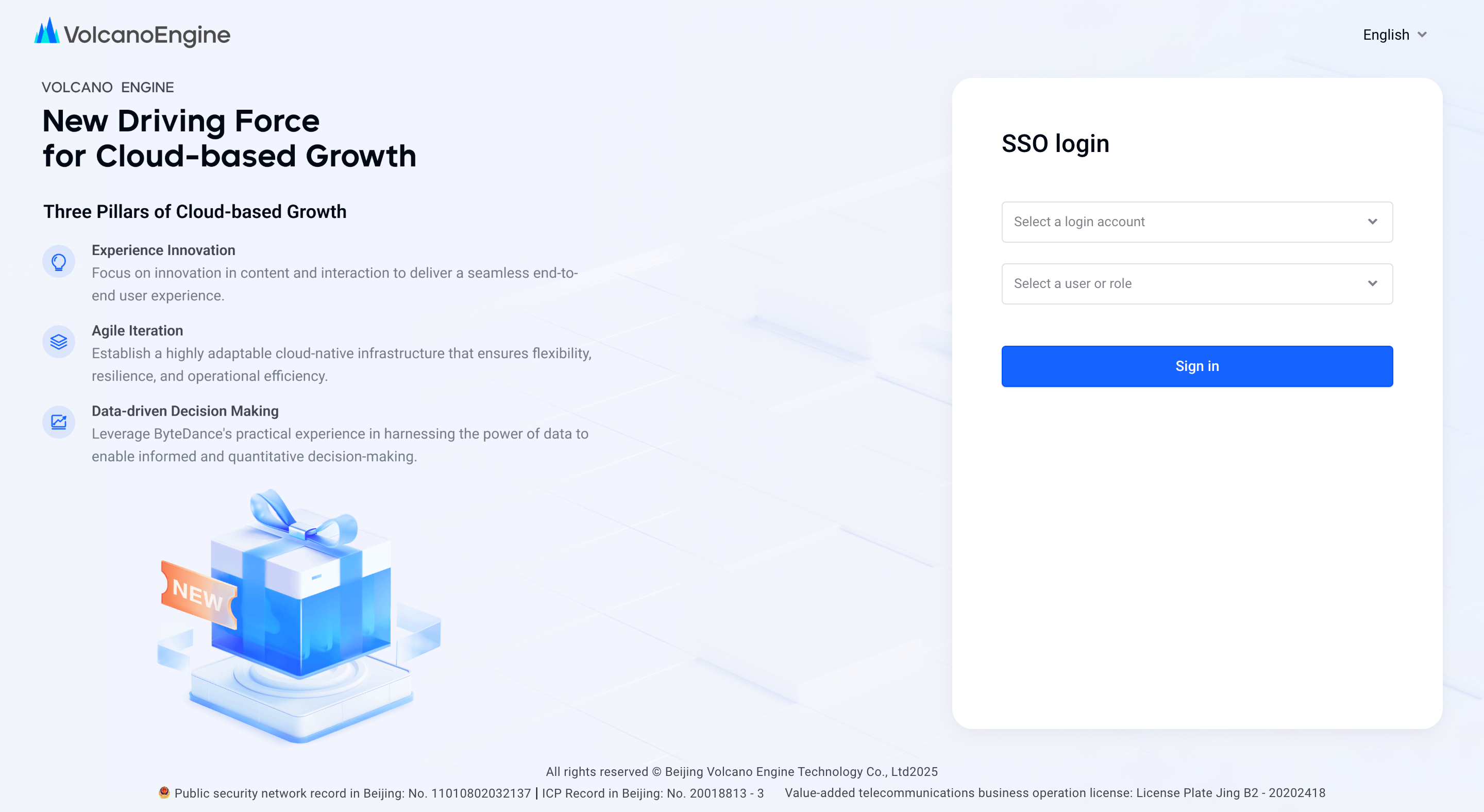
On the page, you can select the account that the current user is allowed to log in to in the drop-down box, and the identity (user, role) that is allowed to log in under the account. Click Login to log in to the Volcano Engine console with the corresponding identity.
Initiate login from SP side
Initiating login from the SP side refers to the enterprise federal login page of Volcano Engine. After entering the account name or account ID, select the configured identity provider under the account, click Login, initiate a SAMLRequest from the SP side to the IDP side, declare the application for login to the IDP, and jump to the corresponding identity provider page.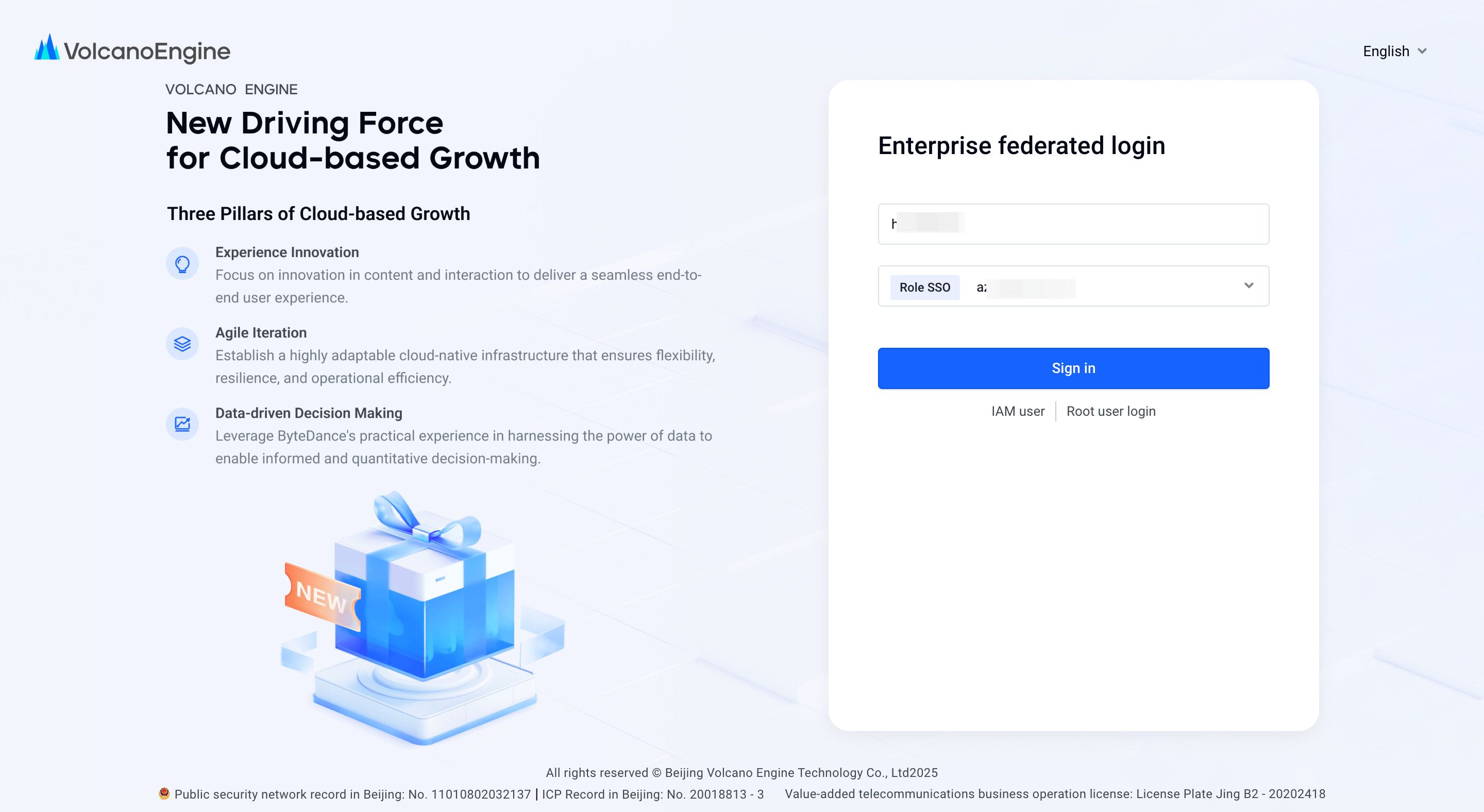
Log in to the portal at the corresponding identity provider (take the third-party commercial IDP OneLogin as an example here), the user enters the account password, logs in and authenticates on the IDP side.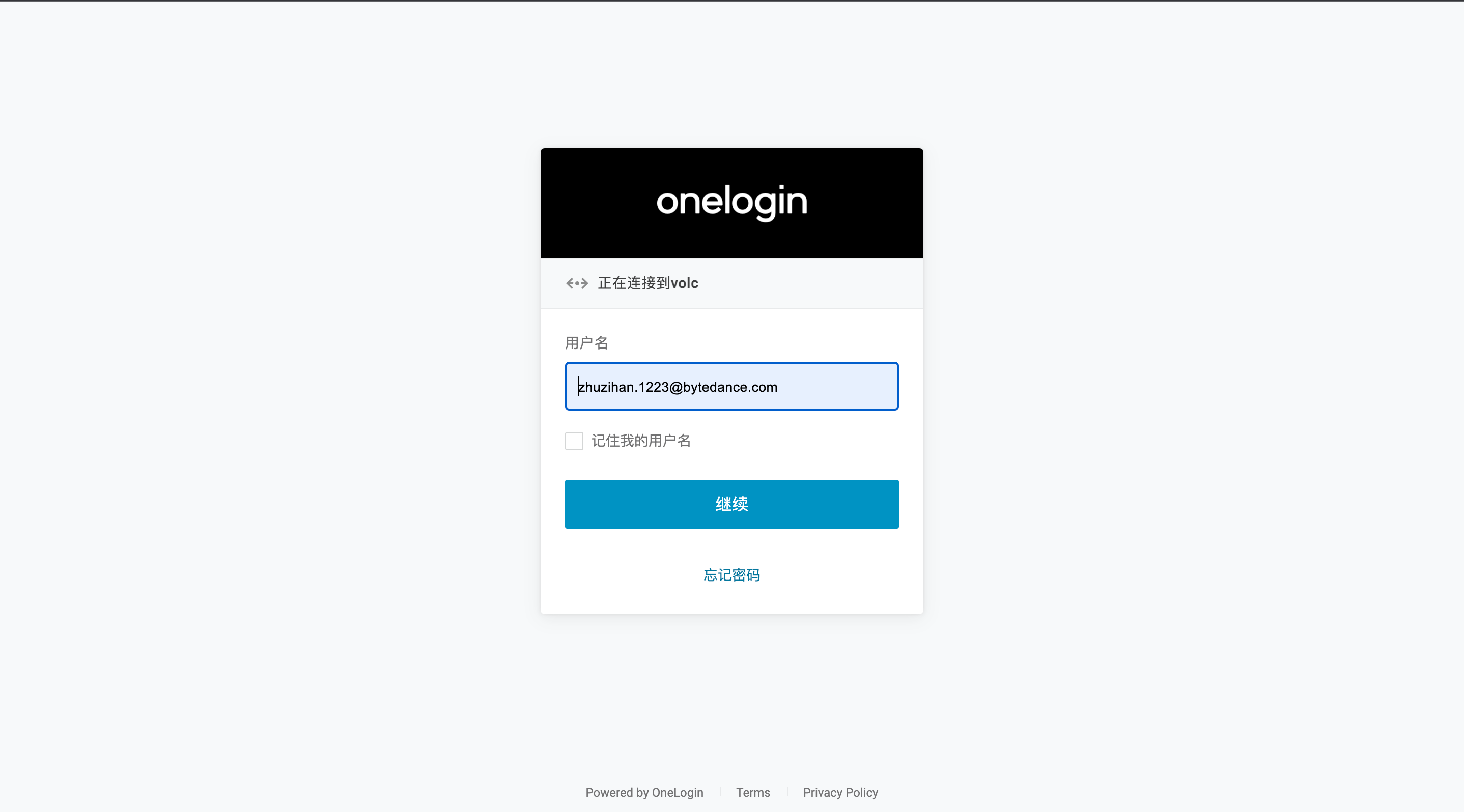
The IDP directly sends a SAMLResponse to the Volcano Engine and jumps to the SSO login page of the Volcano Engine. After the Volcano Engine parses the SAMLResponse, it can select the account that the current user is allowed to log in to in the drop-down box on the page, as well as the identity (user, role) allowed to log in under the account. Click Login to log in to the Volcano Engine console with the corresponding identity.
