IAM
IAM


- Documentation
 IAMUser GuideIdentitiesSingle Sign-onUser SSOUser SSO based on SAMLExamplesExample of Configuring SAML User SSO with KeyCloak
 Copy page
 Download PDFCopy pageDownload PDF
The company maintains its own employee identity in KeyCloak, and hopes to be able to correspond to the sub-user under the enterprise account (account ID: 210 *******) logged in to the Volcano Engine. In this example, there is a user testuser in KeyCloak, and it is hoped that through the user SSO single sign-on configuration, testuser can directly jump to the Volcano Engine login page from KeyCloak to single sign-on to the child user testuser under the Volcano Engine account.
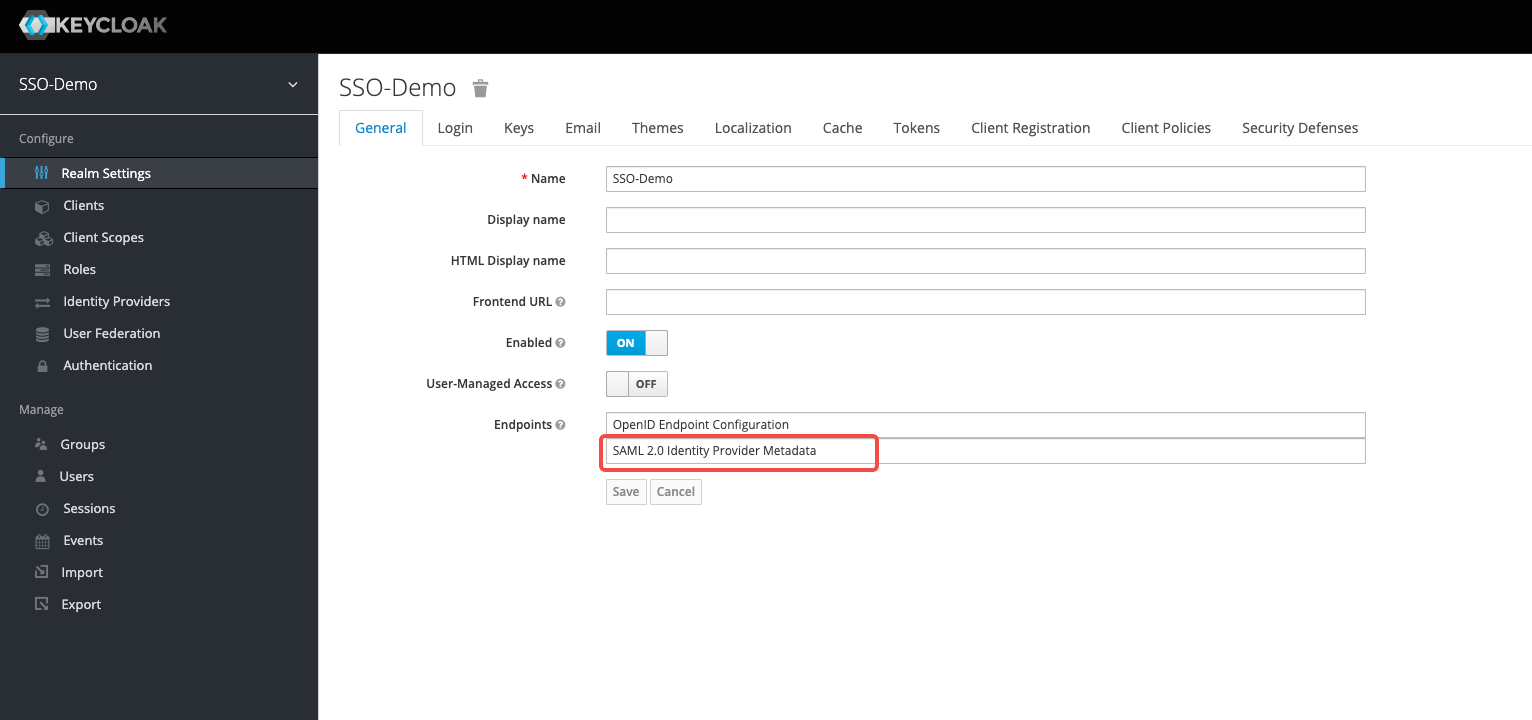
- In KeyCloak, view and save the KeyCloak IDP metadata file as an XML file
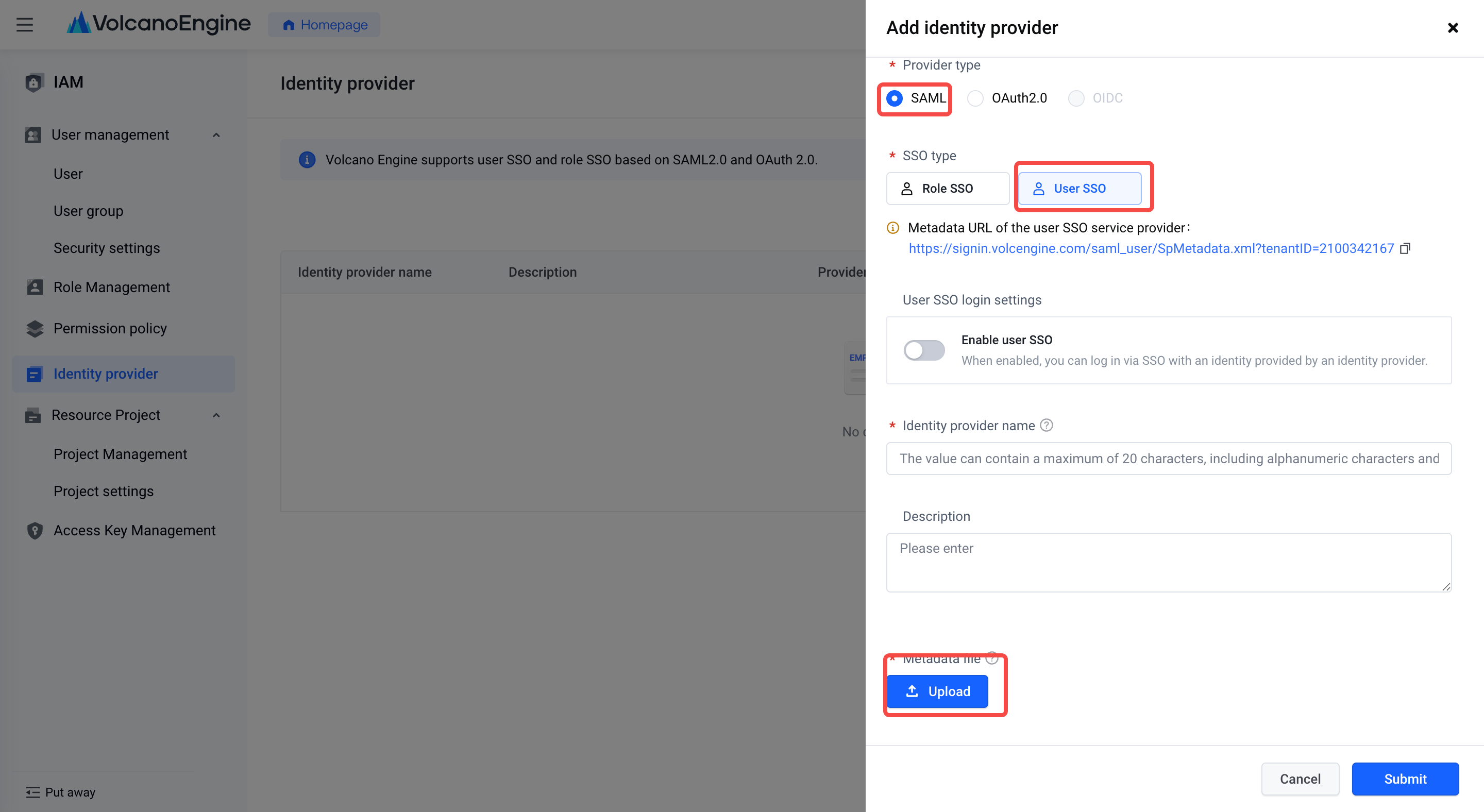
- In Volcano Engine - Access Control, create a new identity provider , select SAML for the identity provider type, download the service provider metadata file for the Volcano Engine user SSO, and save it as an XML file. Upload KeyCloak IDP metadata file.
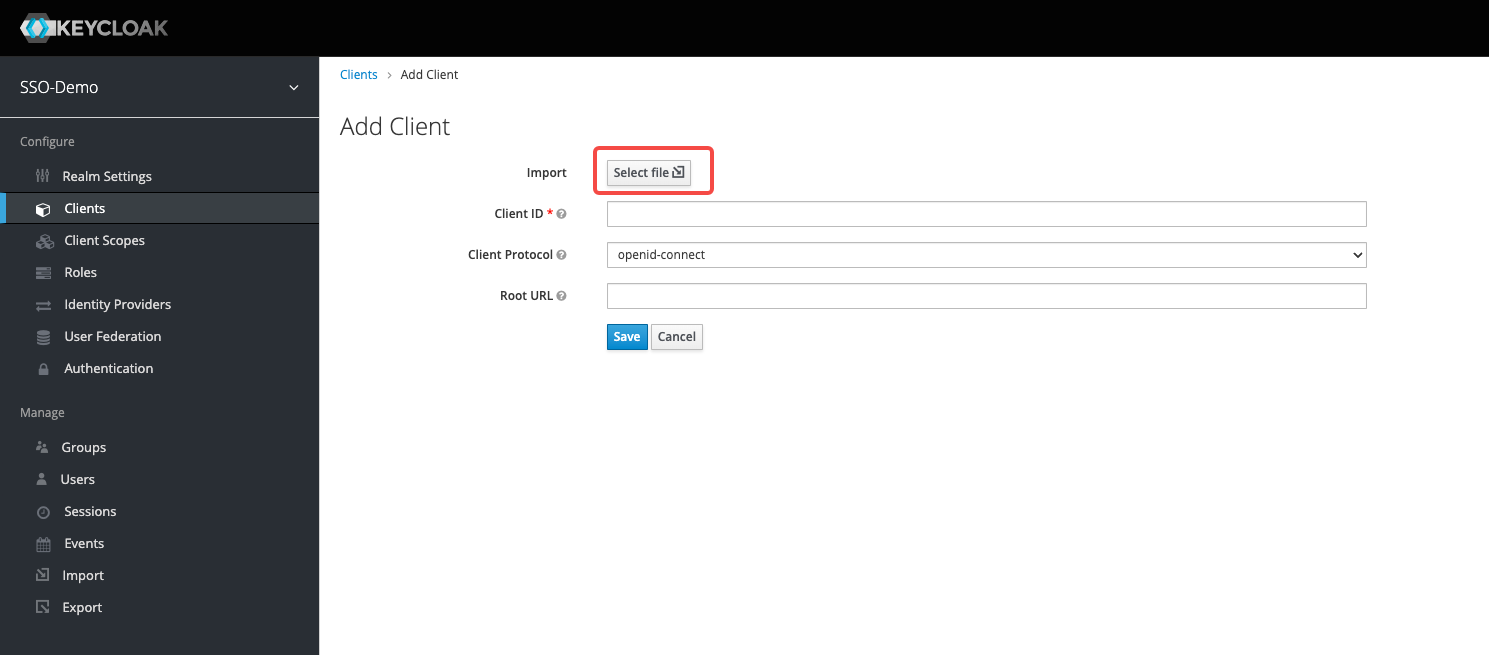
- Add the client side in KeyCloak and upload the service provider metadata file for the Volcano Engine user SSO.
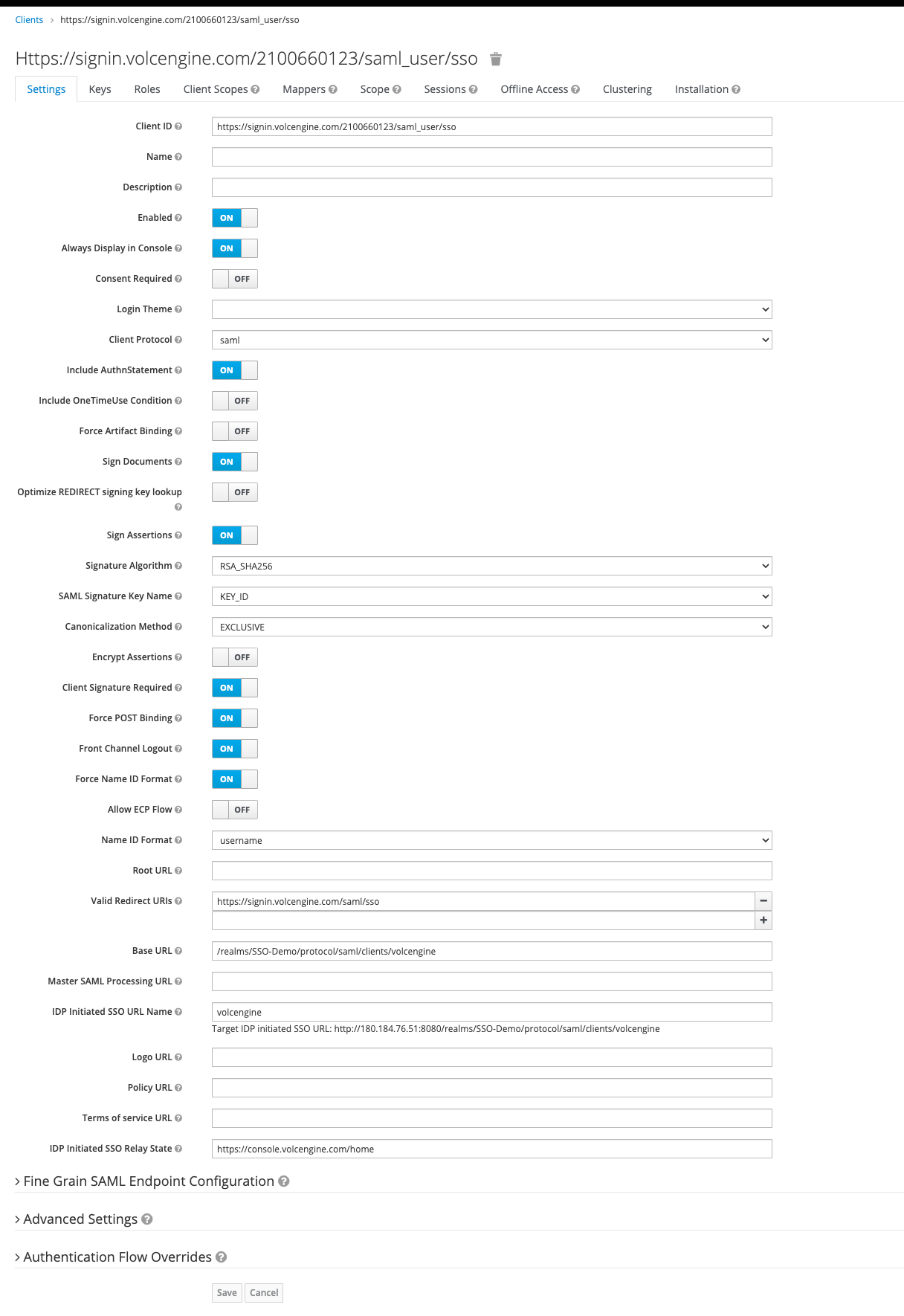
- To set up client side related information, please refer to the following:
Client side ID: Automatically recognized by the service provider metadata file of the Volcano Engine user SSO, it is the entityID provided by Volcano Engine.
Name ID Format: username
Valid Redirect URIs: https://signin.volcengine.com/saml/sso, ACS URL provided by Volcano Engine
Root URL (Base URL): Fill in the "IDP initiated SSO URL name" and intercept the root URL in "Target IDP initiated SSO URL".
IDP Initiated SSO URL Name: volcengine
IDP Initiated SSO Relay State: You can configure the Volcano Engine console home page address, or any page you wish to jump to. Initiating an SSO from KeyCloak jumps to this address.
Create users with the same username in KeyCloak-users management and Volcano Engine - Access Control - users, respectively. Operation guide: Volcano Engine new user
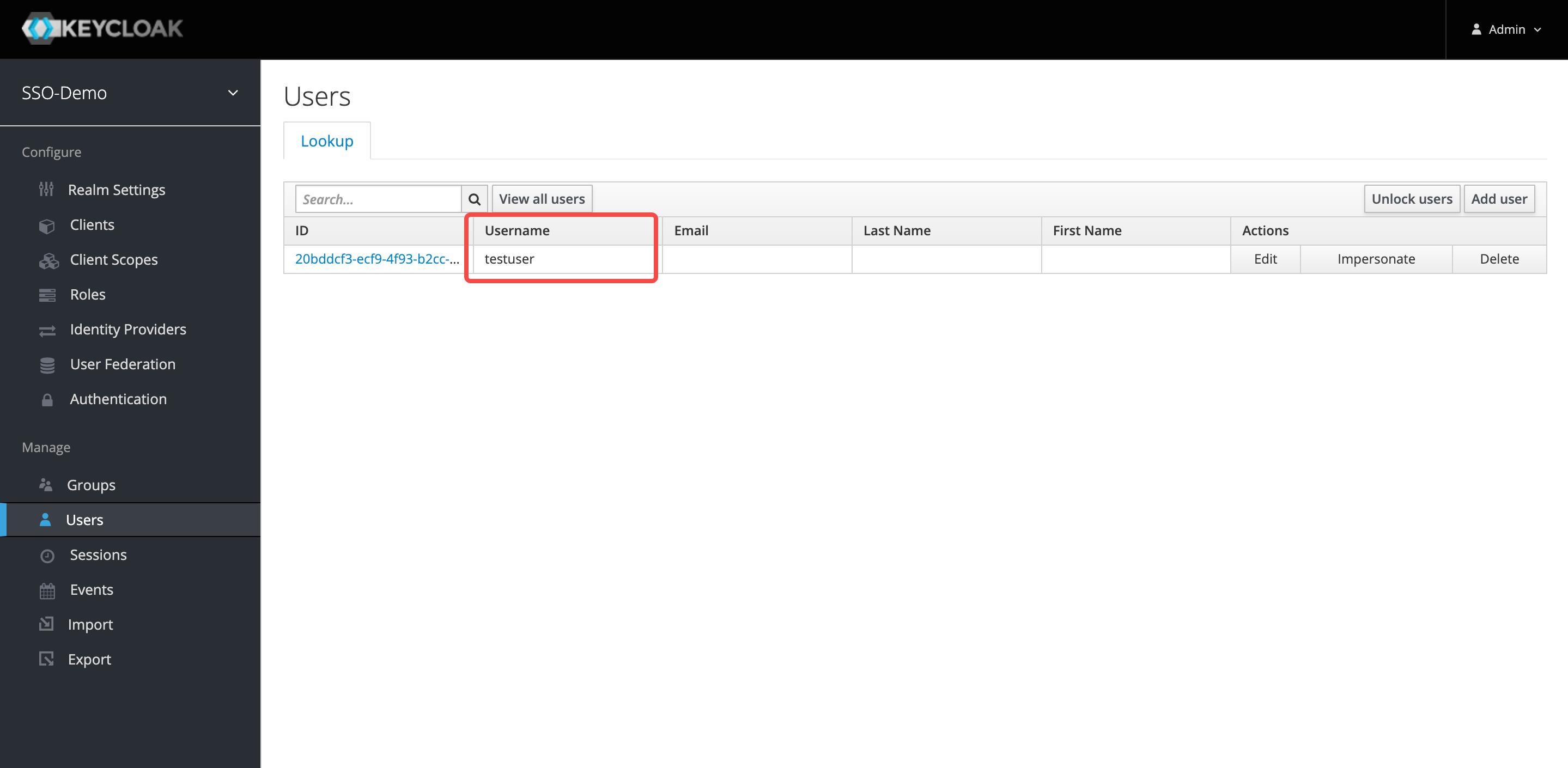
Initiate single sign-on from KeyCloak:
- Click the created client side root URL in KeyCloak.
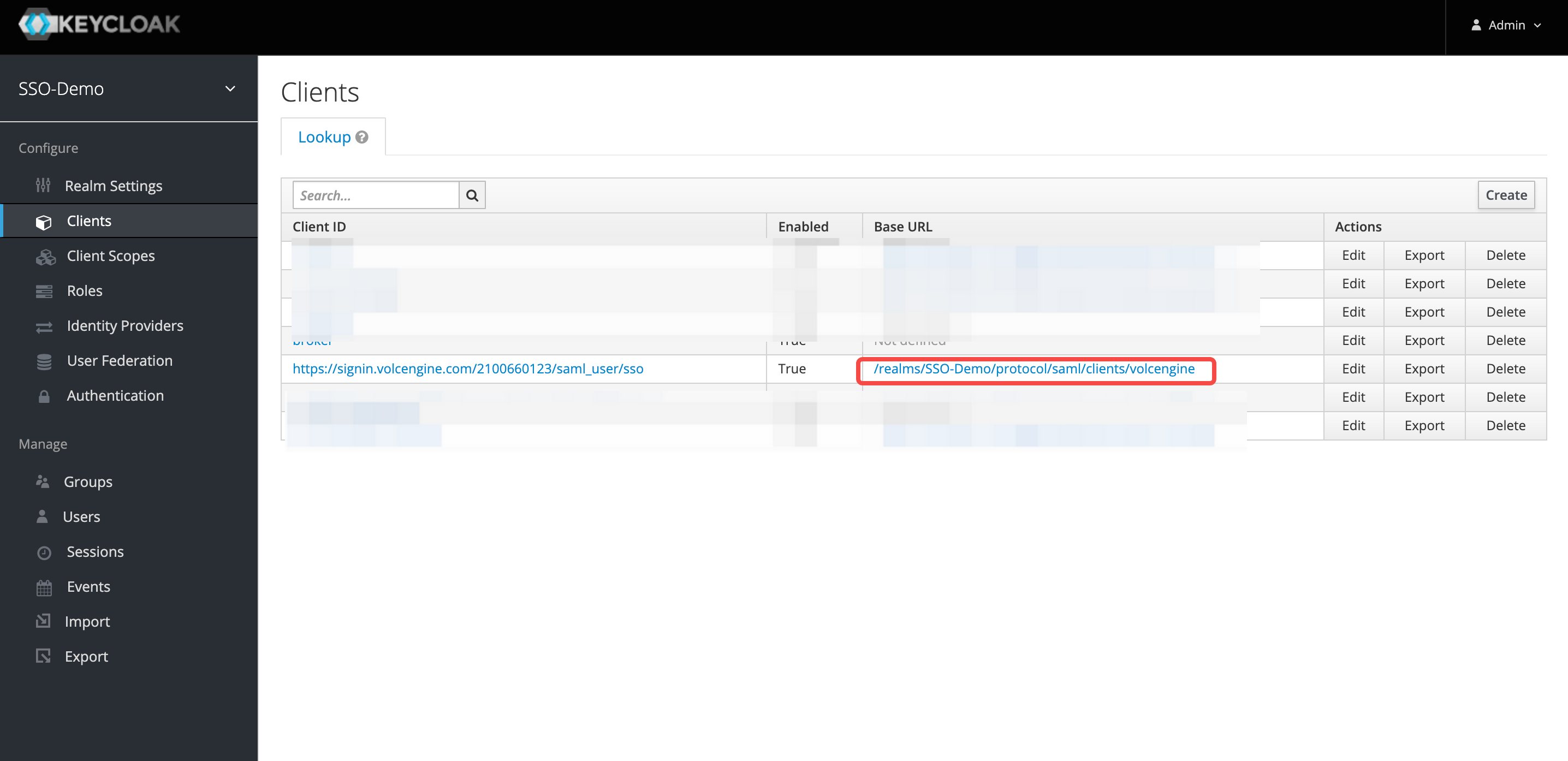
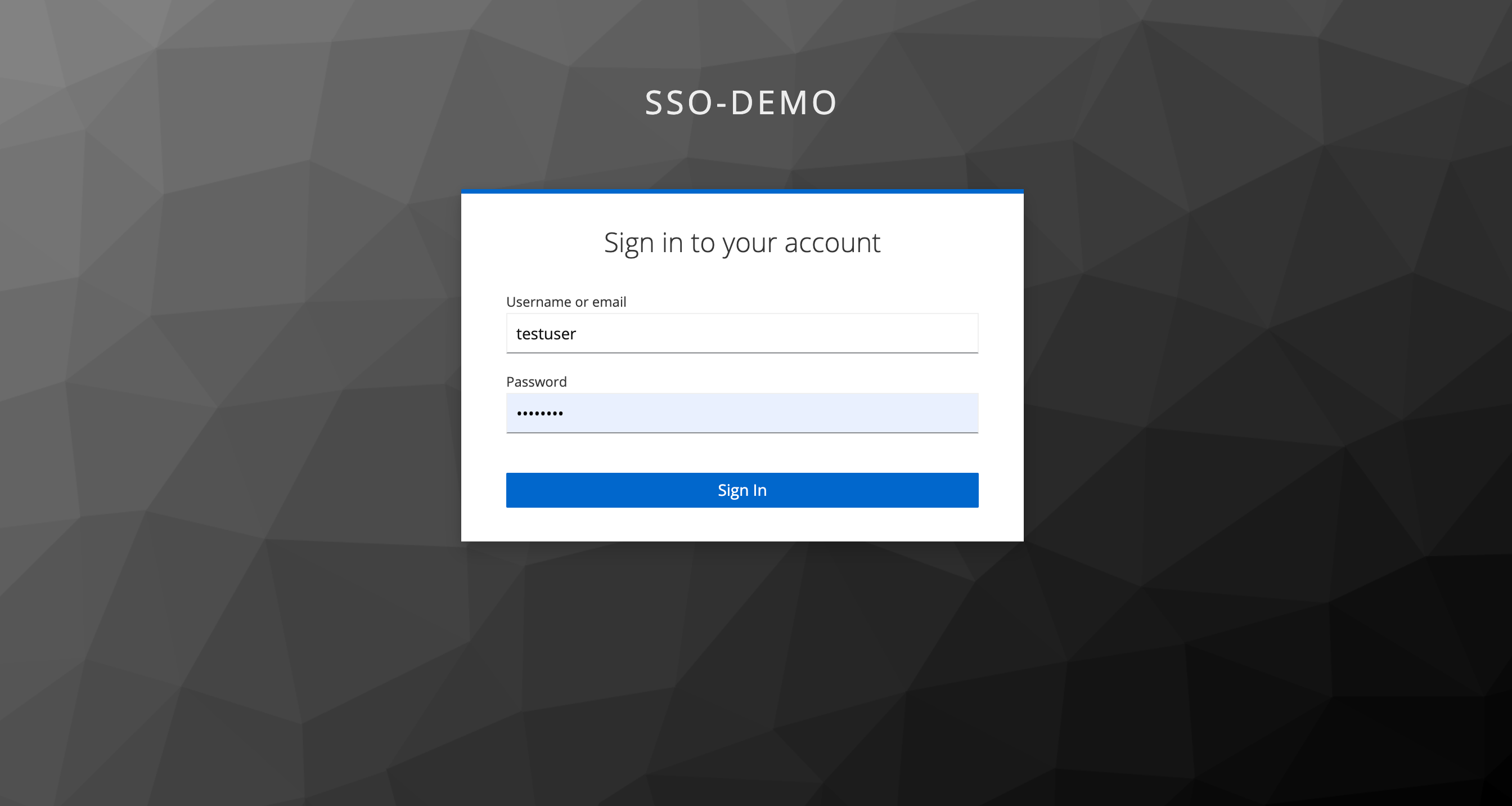
2. Enter the username and password of the created KeyCloak user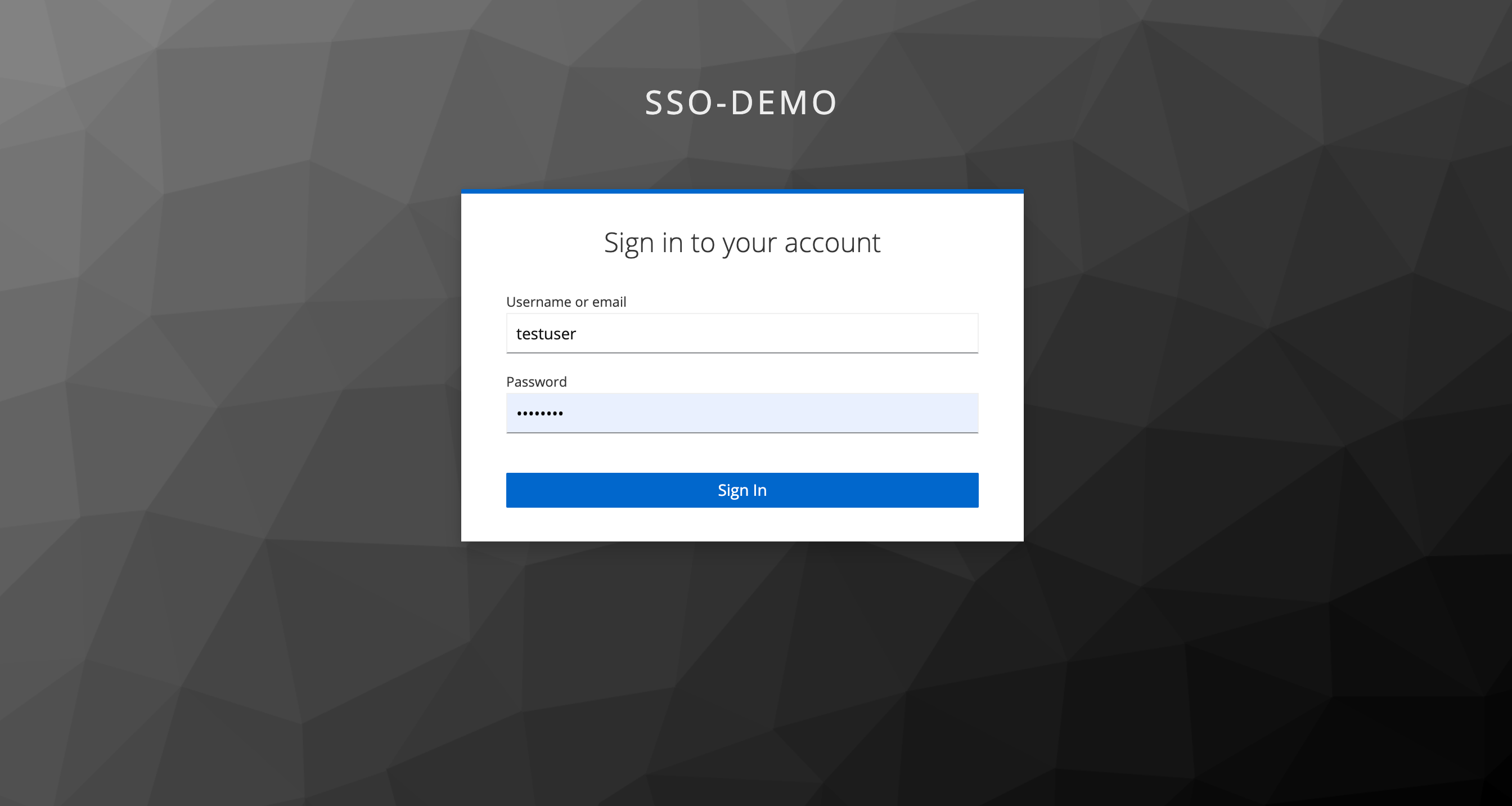
3. Successfully login to Volcano Engine
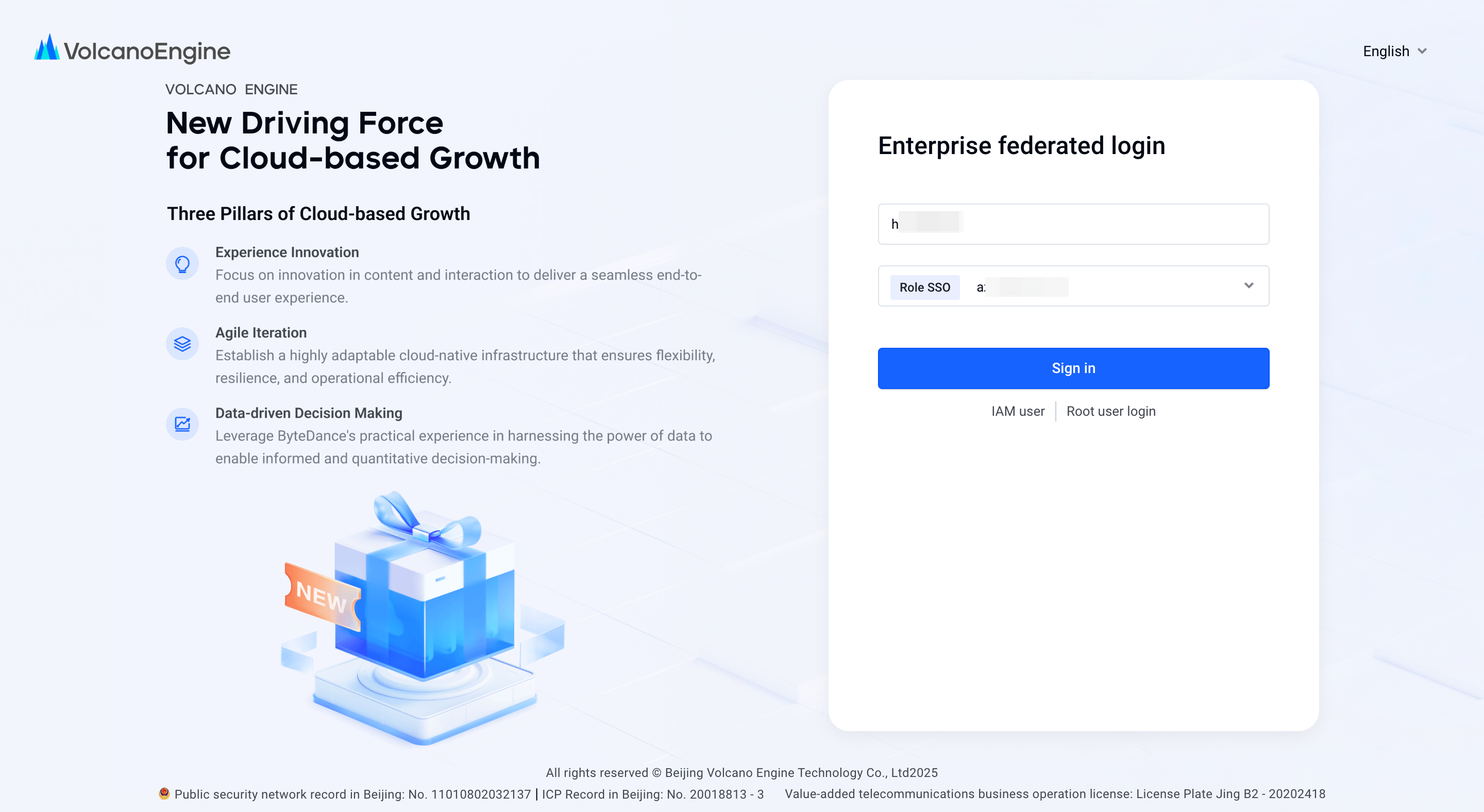
Initiate single sign-on from Volcano Engine:
- Select "Corporate Federated Login" on the Volcano Engine login page, select the account and identity provider you need to log in to, and click "Login Now".
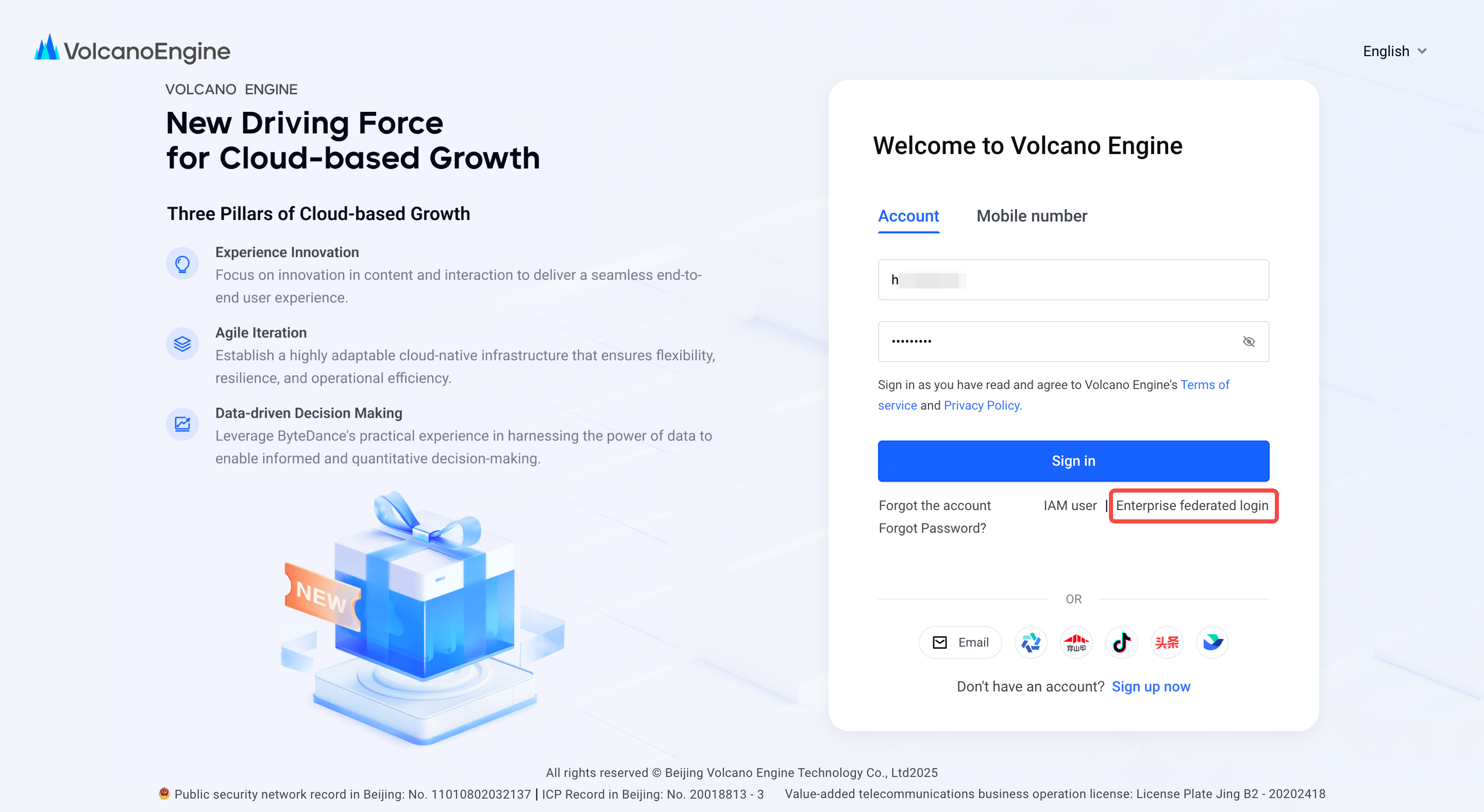
- Enter the username and password of the created KeyCloak user
3. Successfully login to Volcano Engine
