
通过CDN URL在README中插入的图片无法在NPM页面显示

2026-6-20
问题:NPM README中图片无法正常显示
问题背景
我有一张公开可见的图片,URL为:https://cdn.jsdelivr.net/npm/uni-module-common/img/action1.png?raw=true,将其用于NPM仓库的README文件时,图片无法在NPM页面正常显示。
当前使用的图片写法
我在README里的代码如下:
## Action
**Description**: Action icon with a hover effect based on application theme. Can be used either by itself or as a child of an action menu (three dots menu).

![][https://cdn.jsdelivr.net/npm/uni-module-common/img/action1.png?raw=true]
实际显示异常情况
图片在NPM页面无法加载,呈现占位状态(示例图显示为无法识别的图片占位)。
已尝试的排查
我查了不少资料,资料里说这种写法应该可行,但实际就是显示不出来。
解决方法
你用的是Markdown参考式图片链接的错误写法——参考式需要先定义链接标签,不能直接把URL放在方括号里。正确写法有两种:
1. 行内式(推荐)
直接把URL放在圆括号内,方括号里填图片的替代文本:
## Action **Description**: Action icon with a hover effect based on application theme. Can be used either by itself or as a child of an action menu (three dots menu). 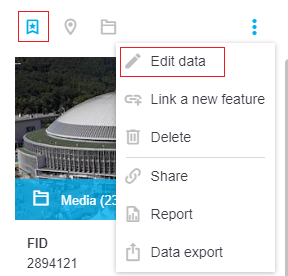
2. 参考式(需提前定义标签)
如果想用参考式,要先在文档任意位置定义链接标签,再引用:
## Action
**Description**: Action icon with a hover effect based on application theme. Can be used either by itself or as a child of an action menu (three dots menu).

![Action icon with hover effect][action-icon]

[action-icon]: https://cdn.jsdelivr.net/npm/uni-module-common/img/action1.png?raw=true
NPM的Markdown渲染器严格遵循标准语法,之前的写法不符合规范所以无法解析,改成上面两种写法后,图片就能正常显示了。
内容的提问来源于stack exchange,提问作者vojtech.osvald
相关产品推荐
相关产品推荐


